Home and decor video ads that show scale, room and light
Home and decor products are bought for a room, not a white background. Buyers want three answers before they commit: how big is it, how does it look with my things, and what does it look like in real light. A short video can answer all three from photos you already have.
Show scale
Scale is the question most product photos leave open. Three ways to answer it:
- Put a person in the shot. A creator kneeling on a rug or holding a vase gives a size reference everyone understands. Use a creator video.
- Put the product in a room. In Reference mode, add the product photo first and a room photo second, and say in the brief where the product goes: "the rug under the coffee table, sofa behind it".
- Use familiar objects. A mug next to a lamp or a book on a side table tells people more than a dimension in the caption.
The model infers size from the photos, so check every video against the real dimensions before you run it. A rug that looks bigger in the ad than in real life leads to returns.
Formats that suit home products
| Format | Mode | Photos you need | Best for |
|---|---|---|---|
| Creator at home | Creator (UGC) | One product photo | Cold audiences, scale |
| Product in a room | Reference | Product photo plus a room photo | Product pages, retargeting |
| Room reveal | Transition | Two matched photos | Rugs, storage, styling |
| Texture film | Single image | One sharp product photo | Weave, grain, glaze |
Before and after room transitions
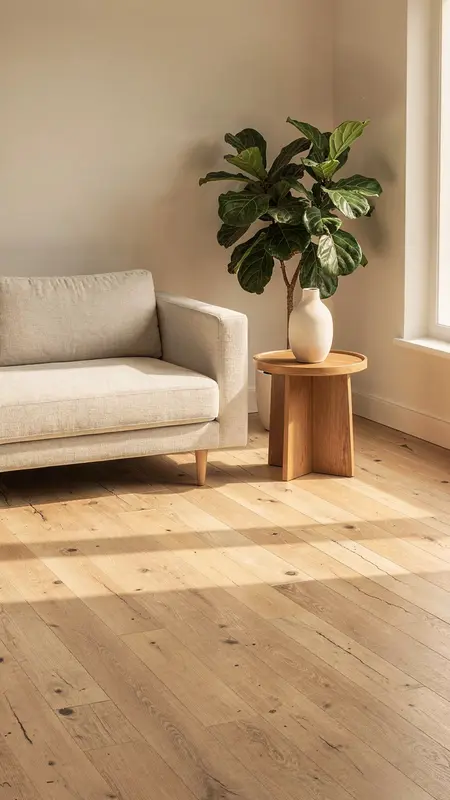
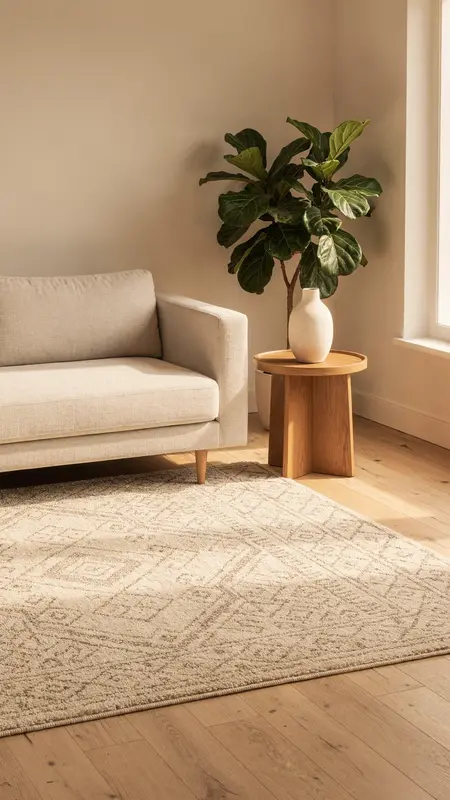
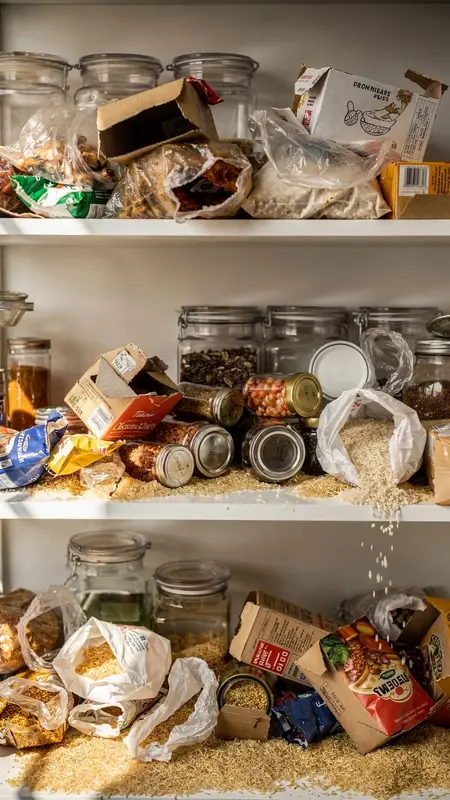
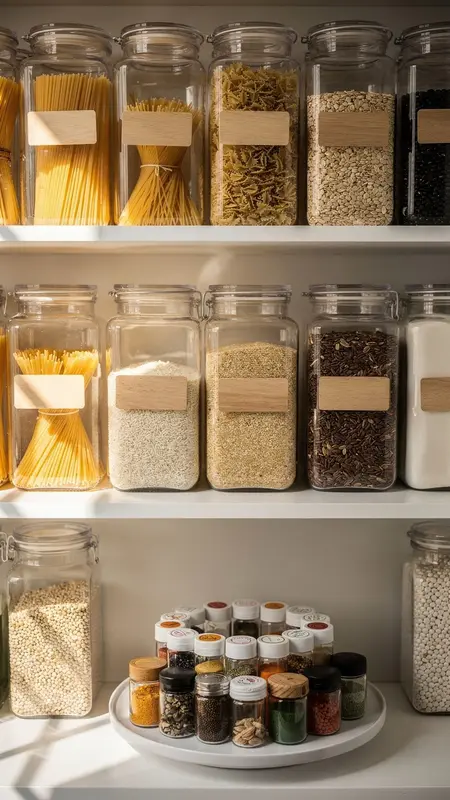
A before and after is the most natural ad for a lot of home products: a bare floor and then the rug, a cluttered pantry and then neat jars, a plain bed and then the new bedding. Transition mode starts on the first photo, ends on the second and creates the movement in between.
Two things make it work. Shoot both photos from the same spot with the same framing and light, so only the change differs. And describe how the change happens: the rug unrolls, the jars fill the shelf row by row, a hand pulls the duvet straight. The before and after page has more on the format.
Light and texture
Textiles, ceramics and wood change with the light. For a product-only film, ask for one light move: "morning sun moves slowly across the weave". Keep the light neutral when colour accuracy matters, since strong coloured light changes how the product reads. For close-ups of grain and glaze, Seedance 2.0 goes up to 1080p.
Sets and ranges
A dining set, a bedding range or a set of storage jars often needs more than one photo. Reference mode takes up to 9 photos on Seedance 2.0 and up to 30 on Seedance 2.5. Put the main product first, keep one lighting style across the set, and say in the brief what each photo is for. Seedance 2.5 refuses photos with real human faces in this mode, so use room photos without people in them, or switch to Seedance 2.0.
What it costs
A 15-second room scene at 720p on Seedance 2.5 costs 420 credits. A 10-second room reveal at 720p on Seedance 2.0 costs 220. The Growth plan is $149 a month for 3,000 credits, which covers 13 of the shorter videos. Every mode is on every plan. Start with the $3.99 Trial Pass to see one of your own products first.