Pet product video ads: owner first, product first
Pet products are bought by owners, for animals, usually to fix something that bothers the owner. The ads that work tend to say that out loud: the hair on the sofa, the bowl that slides across the floor, the harness that takes five minutes to put on. This guide covers how to build those ads from a product photo, and where AI video still struggles.
An honest note on animals
Video models are good with products and less reliable with animals. Fur, paws, tails and fast movement are where results most often look wrong, and an odd gait is the kind of detail pet owners notice straight away. That shapes the advice below:
- Make the product the subject. Product-only videos are the most reliable format.
- Keep animals secondary. If a pet appears, brief it calm, small in frame and moving slowly: asleep on the new bed, sniffing the bowl.
- Avoid action. Running, jumping, catching and playing with other animals are the hardest to get right.
- Check every frame. Regenerate anything that looks off. If a render fails, the credits come back automatically.
Owner-relief angles
| Angle | The opening | Format |
|---|---|---|
| The daily annoyance | Hair all over a dark sofa | Creator (UGC) |
| The relief | "One pass and the sofa's clear" | Creator (UGC) |
| Mess to calm | Scattered toys, then a tidy basket | Transition |
| The detail that matters | Close-up of a clasp, a seam, a non-slip base | Single image |
| The routine | The evening walk, lead clipped on in one move | Creator (UGC) |
The quotes show the tone, not claims to copy. Use what your product really does.
Product-first shots
A product video films the item on its own: a slow move around a bowl, light across the weave of a bed, a hand pressing a clasp. These suit product pages, retargeting and anything where the materials or safety details sell. Brief one action and one light move, and say what must not change: "keep the colour and the logo exactly as in the photo". The single image guide has the full brief structure.
Creator videos that speak to owners
A creator holding the product and talking to other owners is often the strongest format for cold audiences. Lead with the problem in the first two or three seconds, put the product in their hands early, and keep the voice-over short. The creator is AI-generated, so never present the video as a customer review. Save a persona for the kind of owner you sell to, so every video features the same kind of creator.
Before and after
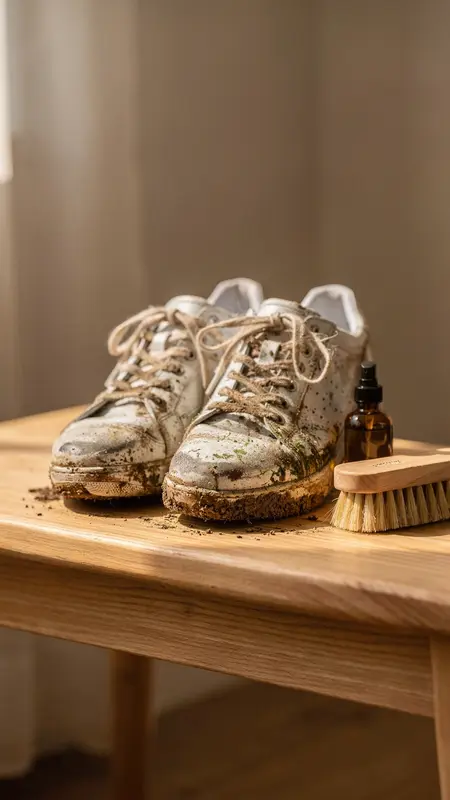
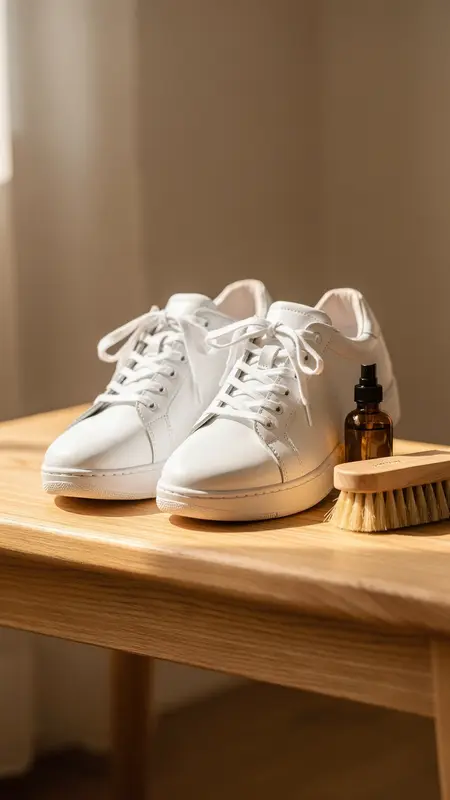
Cleaning, grooming and storage products suit transition mode: two photos, the mess and the result, and the movement in between. Shoot both from the same angle and in the same light, and only show a result the product really delivers. A hair-covered cushion and the same cushion clean is a better reveal than an animal mid-groom.
For more ideas, the product video ideas by category post has a section on pet products.
What it costs
A 10-second product-only video at 480p on Seedance 2.0 costs 100 credits, about $5.50 on the Starter plan ($55 a month for 1,000 credits). Three angles for one product cost 300 credits at 480p, or 660 at 720p once you know which one to scale. The $3.99 Trial Pass includes 170 credits, enough for one test video.